New York Business Search
Before you sign a contract, hire a contractor, pay an invoice, or register a company name, it pays to confirm that the business on the other side is real. A New York business search lets you do exactly that using the state’s official records, and it costs nothing. This guide shows you where to look, how to read what you find, and where the limits are. If you also want practical help with running a company once you have checked the records, the guides at NY Today are a helpful place to continue.
Who Keeps New York Business Records?
In New York, company records are held by the Department of State. The Division of Corporations, State Records and Uniform Commercial Code at the New York Department of State keeps the state register, and its Corporation and Business Entity Database is free to search. People sometimes call it the Secretary of State search, but the database name is the one to look for. searchsystems
The database is broad. It covers business and not-for-profit corporations, limited partnerships, limited liability companies, limited liability partnerships and other miscellaneous businesses. It is also huge. One public dataset describes about three million business entities and corporations registered with the Department of State, and Domestic Limited Liability Companies (42.45%) and Domestic Business Corporations (39.08%) make up most of them. new york business lookup guide +2
Why Use It?
Checking that a business exists. A registered entity has a record. If a company claims to be a New York LLC and nothing appears, that is worth questioning.
Finding the address for legal papers. The record shows the address where legal process is forwarded, which matters if you ever need to serve notice.
Testing a name before you file. You can see which names are already taken and avoid an easy rejection.
Due diligence. Lenders, landlords, buyers, and procurement teams all start with the state record before looking deeper.
Tracking your own filings. Owners can confirm their own status and details are correct and up to date.
Step-by-Step: How to Run the Search
Step 1: Open the official database. Go to the Department of State’s Corporation and Business Entity Database. Stick to the official site, because many third-party pages copy the same data and may add fees or errors.
Step 2: Pick a search method. You can look things up by entity name, Department of State (DOS) ID, assumed name, or assumed name ID. internationaltrucks
Step 3: Enter the name or ID. If you only have a name, expect more than one match. Search by entity name and expect near-matches, because New York’s register is very large. infobelpro
Step 4: Choose the right entity. Compare the name, entity type, and county. If a contract lists a DOS ID, use it to avoid mix-ups.
Step 5: Open the record and note the details. Save the DOS ID, status, formation date, and the process address.
Name Search vs. ID Search
Entity name. The most common starting point. Try variations: with and without “Inc.” or “LLC,” with “&” and “and,” and with abbreviations. The state’s algorithm is built to return close matches, including inactive or dissolved entities. That helps you, because you see everything related to the name. internationaltrucks
DOS ID. The unique number the state assigns. It is the most reliable way to land on the exact company, particularly when ten businesses share nearly the same name.
Assumed name. Useful when a business trades under a name different from its legal one. Many companies operate under a trading name, and the legal name may be quite different.
What the Record Shows
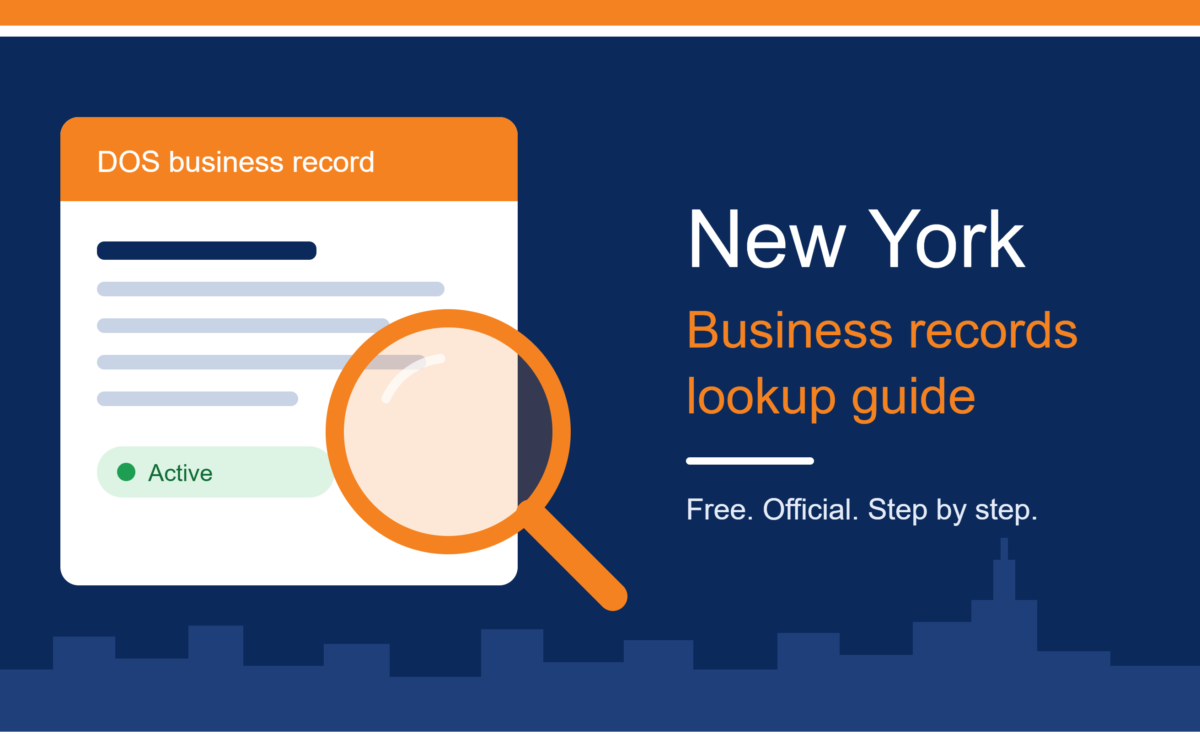
The free search returns a snapshot rather than a full file. You get an entity’s name, its DOS ID, its type, its formation date, its county, and the address where legal papers go. Depending on the entity, you may also see its current status and filing history. zephira
Corporations may show a bit more. They file a biennial statement that, under state law, includes the chief executive officer’s name and business address, the principal executive office, and the address where the Secretary of State forwards process. LLCs generally show less. infobelpro
Do not expect owner names, financial figures, or contracts. New York’s public record is intentionally light on detail.
Understanding Status
The status column is the most important part of any result. An “Active” status means the company is currently authorized to do business. Other statuses, such as inactive or dissolved, mean the entity may no longer be allowed to operate under that name. internationaltrucks
If you are dealing with an older company, check its history. A business that was dissolved for failing to file required tax returns can sometimes be revived, but the record will reflect the gap. Treat it as a reason to ask more questions, not as an automatic dealbreaker.
Assumed Names and DBAs
Plenty of small businesses trade under a name that is not their legal name. In New York, where you find these filings depends on the business type. A corporation, limited liability company, or limited partnership files its certificate of assumed name with the Department of State. A sole proprietor or general partnership files with the county clerk instead. searchsystems
So a plumber trading under a named business in Nassau County is found at the Nassau County clerk, while a corporation trading under that name is found in the state database. If you cannot find a business you know exists, the county clerk is the next stop. searchsystems
Name Availability: A Clean Result Is Not Clearance
This is the biggest trap for new founders. The database is not an approval tool. The Department of State states that the system should not be used to determine the acceptability of an entity name, and a clean search result is not clearance. infobelpro
Your name must also be distinguishable from others on file. Searching only the exact phrase can mislead you. Try partial matches and variations so you do not miss a similar name the state would treat as too close. Also check trademarks and your intended domain name separately, because those are handled by different systems.
Certificates and Certified Copies
Sometimes a web page is not enough. Banks, courts, and licensing bodies may ask for official paper. The Department of State offers a certificate of status, often called a certificate of good standing, as well as certified copies of filings. Ordering these usually involves a fee and the filing details, so have the DOS ID ready.
What the Database Does Not Tell You
The state record proves registration, not quality. Completeness and accuracy cannot be guaranteed, because the Department of State relies on information provided to it. It does not show: infobelpro
- Whether the company is profitable or solvent
- Unpaid taxes or tax warrants
- Court judgments, liens, or lawsuits
- Professional or trade licenses
- Secured financing against its assets
For secured interests, New York keeps a separate Uniform Commercial Code search. For tax and court issues, check the relevant state and county sources. The business registry is the first layer, not the whole picture.
For wider guidance on starting a company, finding legal help, and building a plan, browse the practical business guides on NY Today.
Common Mistakes to Avoid
- Trusting a single result. Similar names are everywhere. Confirm the DOS ID, county, and address.
- Assuming “no result” means “no business.” The company may use an assumed name, be registered in another state, or be a sole proprietor.
- Treating availability as approval. The state decides when it reviews your filing.
- Using unofficial sites for official proof. Only the Department of State issues certificates.
- Never rechecking. Statuses change, so look again before any large payment or signing.
Practical Tips for Better Results
- Shorten the name. Searching “Hudson Valley Roofing” will usually catch more than “Hudson Valley Roofing Services LLC.”
- Try partial matches. They reveal conflicts an exact search would hide.
- Cross-check the details. Compare the address, county, and entity type against what the business told you.
- Save a record. Take a dated screenshot or note so you can show what you saw and when.
- Search the person. If you know the owner but not the company name, search by assumed name or look at county records.
Frequently Asked Questions
Is the search free? Yes. The Corporation and Business Entity Database is free to search. Fees apply only to certificates and certified copies. searchsystems
Do I need an account? Not to search. You may need one for filings and orders.
Can I find sole proprietors? Usually only through assumed name filings at the county clerk, since a person trading under their own name may never file anything with the state.
Does it show who owns the company? Not necessarily. The public record is intentionally limited, and ownership information often is not listed.
How do I contact the state if I am stuck? The Department of State’s Division of Corporations has a phone line for questions about searches and results, and the number is listed on its search page.
What if the company is registered elsewhere? A business can be formed in another state and registered in New York as a foreign entity. Those records appear in the database too, but the home state’s registry will have the original details.
Conclusion
Whether you are launching a startup in Brooklyn, hiring a contractor upstate, or checking a supplier before a big order, a New York business search gives you fast, free, and official answers from the state itself. Search by name or DOS ID, confirm the entity type, read the status carefully, and note the details. Then remember the limits: the record shows that a business is registered, not that it is financially sound or properly licensed. Use it as your first check, and follow up with county, tax, and licensing sources when the stakes are higher. For more plain-English advice on business, technology, and AI, visit NY Today and read the latest guides.